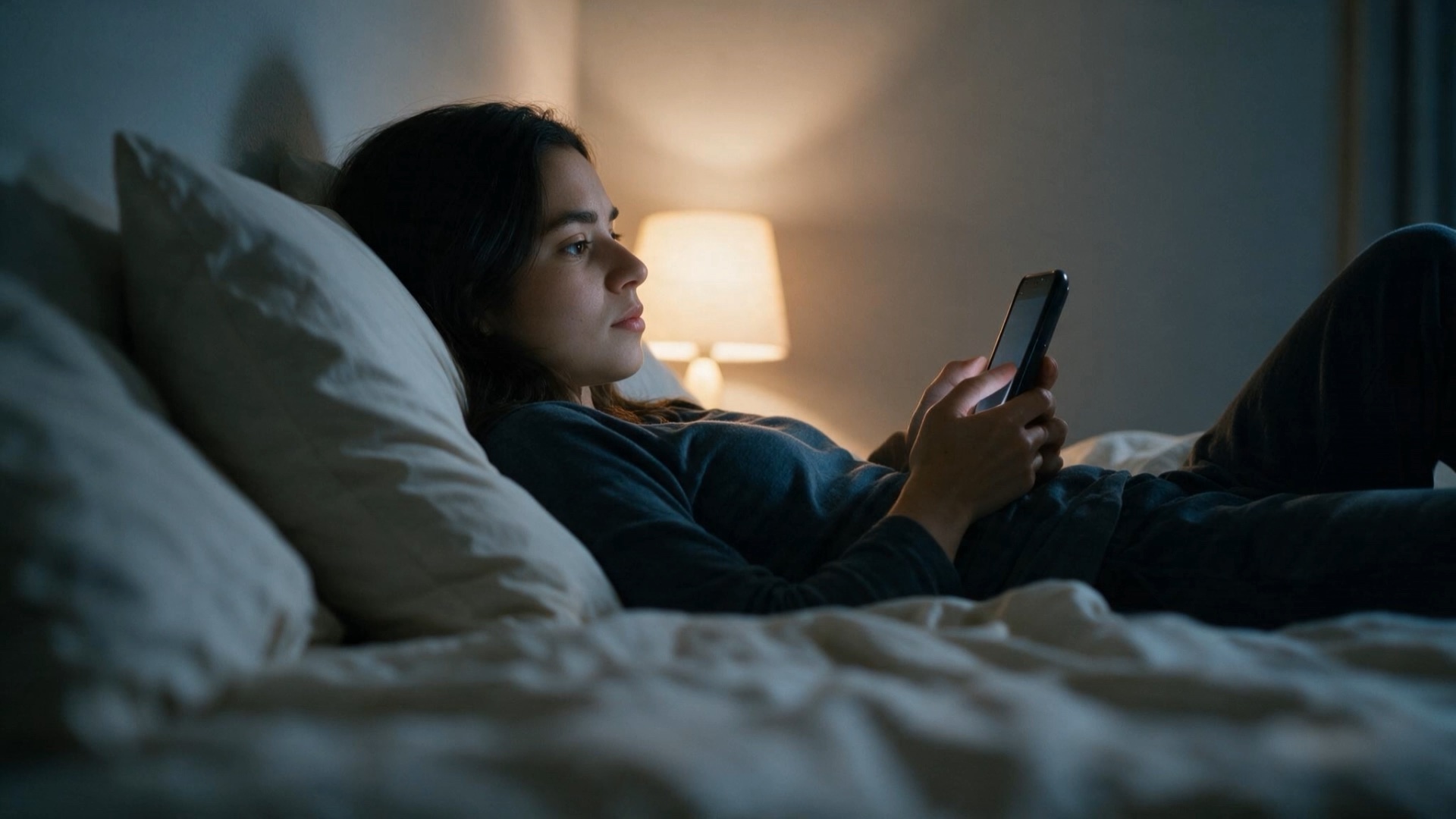
Over the weekend, I took part in the fal x Sequoia Video Hackathon and made my first AI short film for Just Move to Europe. It is called Where Would You Build? and follows one builder as a late-night scroll opens into twelve possible lives across Europe. I wanted to see whether someone could understand JMTE from the film without me standing beside it and explaining the product.
My process was to create images, animate them into short clips, and assemble the clips into a film. I made the stills in Seedream 5 Pro, used Kling 3 Pro through fal for motion, and edited the film in Final Cut Pro. By the end, I had logged more than 100 generations and submitted a first version.
The models could do a lot once I gave them a clear goal and script. They could not decide which five seconds carried the story, how one clip should lead into the next, or whether the film explained JMTE. I still had to learn what each tool was good at, wait for each generation, review it, reroll with a reason, and find the final shape in the edit.
The story comes before the models
The opening call began with the simplest possible structure: a film needs a beginning, a middle, and an end. James Buckhouse called it pain, strain, gain. Establish what is missing, put the character under pressure, and let something change.
Later, Justin Hackney from Wonder Studios gave us another test. If every scene connects through “and then,” the story is probably not moving. Each beat needs to create a “therefore” or a “but,” so it changes what happens next.
Once I put the twelve city sequences together, I asked what someone should understand after each shot that they had not understood before.
The eye portal below is the film's first real turn.
Below, the protagonist begins quiet and inward-looking, almost lonely despite the people around her. As the ferry approaches the port, her expression softens into a small, hopeful smile. It feels like the moment a place she has only imagined starts to become real. I was impressed by how much of that emotional shift came through in five seconds.
Choose the model for the shot
During Lovis Odin's fal session, we compared several AI models on the same representative shot and could see the output, generation time, and cost side by side. Paige Bailey's Google DeepMind workshop demonstrated using an approved still as the seed for motion. Jean Carlos from xAI focused on Grok Imagine for jobs such as native audio, lip-sync, and adapting an approved image between portrait and landscape formats.
For my film, I settled the person, setting, and composition in a still first. Then I chose the motion model for what was left.
I also used AI Camera Movements, a visual library for comparing camera moves and adapting their prompts. It made prompting feel closer to blocking a shot. I started naming the path, speed, framing, and where the camera should land instead of asking for a cinematic mood.
The Zürich clip below is one of my favorites. I built the still in Seedream before asking Kling for motion. This is how I imagine building there: close to robotics, inside the work, and with other people around.
The robot dog did not complete the full stair step I asked for, but the scene still held together, so I kept it. What mattered was whether the part the story depended on survived.
I used photos of myself as references, but the model still changed my face and clothes slightly between shots. After three generations, I often chose the version that looked best and moved on. That worked shot by shot, but not across the whole film. Next time, I want to build one reference pack from several angles, lock the clothes and defining details, and use the same references and character description for every shot.
The spreadsheet matters
The Preview workshop focused on the production system around the clips. Kyle Salazar showed how to turn a script into a shot list. One planned shot could lead to several generations. Each one was another possible take, saved as a clip. Preview kept every take, reference, status, and comment attached to the right shot. The selected takes could then be arranged into a sequence and exported to Final Cut.
Once I had dozens of generations, I needed a way to know what belonged where before I started editing. That was why the IDs mattered.
I had already done some of this instinctively. I kept the same shot IDs across filenames and in a CSV file, with one row for every generation. Each row recorded its story job, model, prompt version, camera move, cost, output, keep-or-reject decision, reason, and what should change next. By the time the spreadsheet passed 100 rows, I needed that structure. It gave every reroll a reason and stopped the folder from becoming a pile of anonymous files.
Next time, I want that structure in place before the first generation. I want the manual workflow to work before I automate it, and I want to know exactly why I am spending more credits on a rerun.
Music and text before more video
Justin Hackney recommended starting with voiceover, music, or a temporary audio bed.
I left those choices too late. A rough voiceover gives the edit its timing before you spend on a new clip. Music reveals whether the rhythm works. Text or a real interface can explain a product mechanic more clearly than another generated scene. Next time, sound goes into the first rough cut.
That matters for a product film. If someone needs to understand how JMTE helps them compare cities or find a room worth showing up to, a clean screen recording may carry that information better than another beautiful city world. The generated footage can create the possible life around the product. It does not have to explain every part of it.
The edit gives the shot its job
The London clip below is one of the full camera moves I generated. It descends toward a networking event in an industrial courtyard, lets the roof cross the frame, then lands among a group gathered around a prototype.
Trying different angles, compositions, objects crossing the frame, and shifts in focus gave me more ways to connect the city worlds. The useful moment was not always the cleanest frame or the point when everything was fully visible. Sometimes it was the blur or foreground object that carried one shot into the next.
Once the clips sat beside each other, their jobs could change. Five generated seconds were raw material; the edit decided which movement belonged, where it should begin, and what it should reveal.
One line from Barbara Ford in the opening call was especially useful: put your pixels where they matter. Keep things cheap while the story and edit are still moving, then use the higher resolution, premium models, cleanup, and rerolls on the shots that survive the rough cut.
Someone in the community also recommended using Topaz on the stills and clips that make it into the final edit.
Final Cut Pro was the part that made me feel like a beginner again. I can usually open a tool and find my way around it fairly quickly. This time, I was learning storytelling, shot design, model choice, prompting, sound, and editing at the same time.
Does this first version explain JMTE to someone who has never seen it? Not yet. Watching it back, parts of it feel closer to a corporate training video than the product film I wanted to make. The text is doing too much of that work, and I think a voiceover would carry the story better than asking someone to read small lines inside a moving image.
The deadline made me choose and submit what I had. Now I can see what held together, what became unclear, and which workshop ideas should shape the process from the beginning.
Next time, I want to bring the story and sound in sooner and start editing much earlier. I still have plenty of raw material and some credits left, so there will be another cut.